
Editing Employee Assignment Record
- Go to the Employee Assignment Main View and find the record you want to update.
- Click the Edit button beside the cohort’s name.

- The Edit Employee Assignment Form form will appear, which is basically the same as the Add Employee Assignment Form. From here, you can make the updates you need.

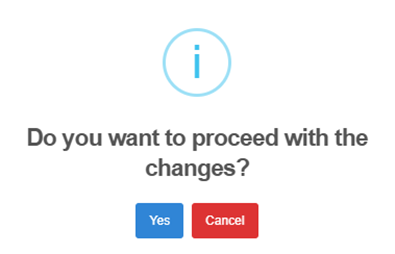
- After editing the employee assignment records, the system will ask for confirmation: Do you want to proceed with the changes?
- Select Yes to save the updates or Cancel if you decide not to apply the changes.
- A dialog box will appear asking you to “Enter Edit Reason.”
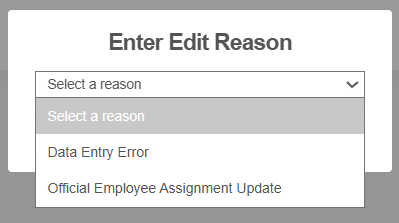
- Choose update reason: Select either Data Entry Error or Official Employee Assignment Update.
- Click Submit to continue.